
Find the searches
that find your app.
See where any app ranks, how it's moved in 30 days, and the searches that could make a difference. Get a clear picture of its visibility, pick your next move, and see how Kickstart takes you further.
You know how to code.
Now learn how to succeed.
Your next download starts with being found. Find better keywords, follow your rankings, and see where competitors are winning, all in one Mac app.
Keyword research is just the beginning. Bring your store listing, pricing, reviews, analytics, and marketing together in Kickstart.
Download free. Try Pro free for 7 days.
$69.99/year after the trial

7-day trial for annual subscribers. See pricing.
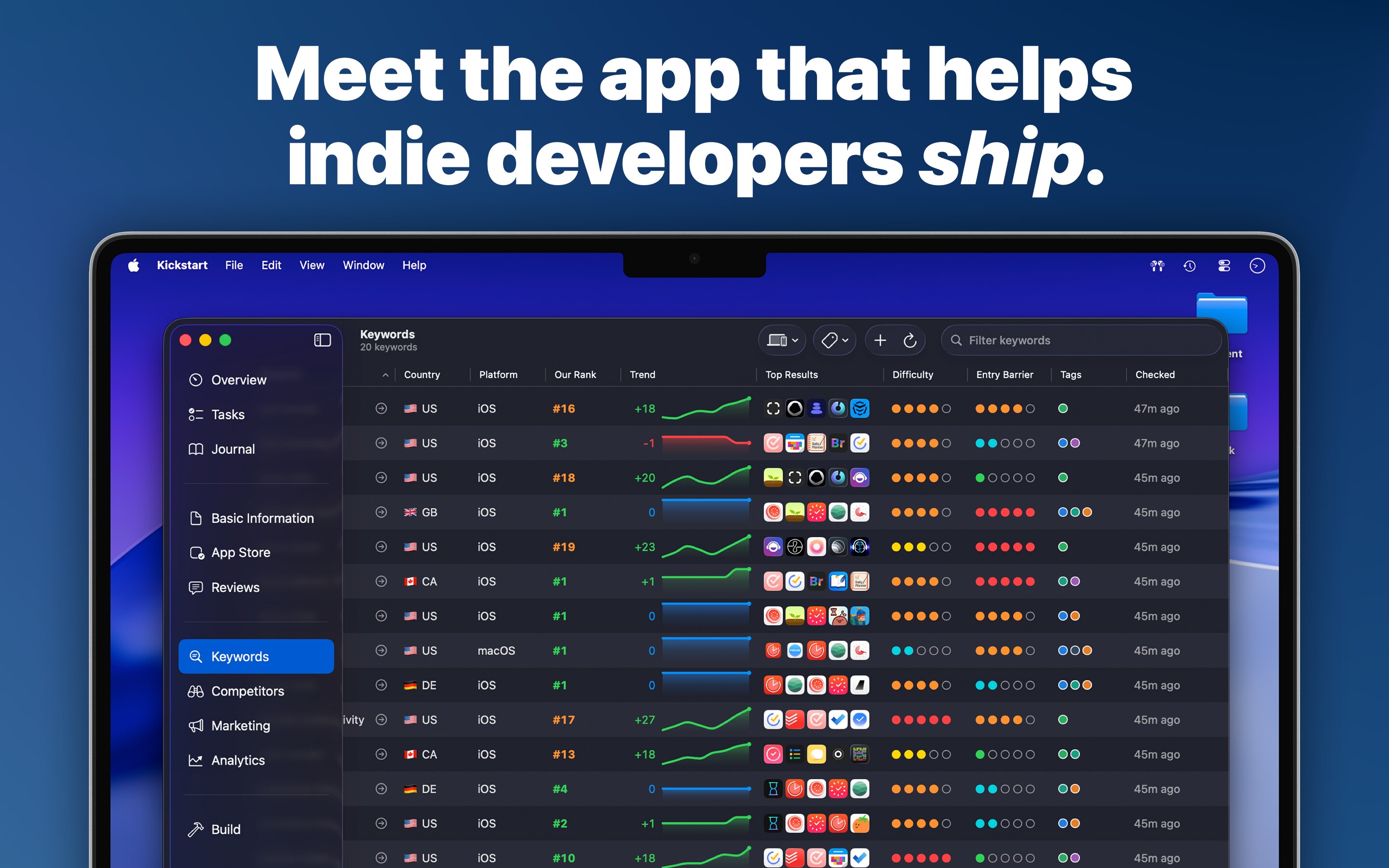
A closer look at your rankings.
What does the free report show?
Up to ten of your highest-ranking US search terms for the selected platform, with popularity, difficulty, and a comparison with 30 days ago. The worldwide summary counts distinct search terms across countries.
Can I check a competitor?
Yes. Paste any app’s App Store link. In Kickstart, Competitors and Search Rankings let you go deeper into the apps you're competing with.
What if my app has fewer results?
You'll see the available rankings and any results in other countries. Keyword Explorer and Search Suggestions in Kickstart help you research more searches to target.
What do popularity and difficulty mean?
Popularity measures relative search demand. Difficulty estimates the strength of competing apps. Read both alongside relevance to your app.