
Press kit
Kickstart
A Mac app that helps indie developers launch, optimize, and grow their apps from one workspace.
Press contact: Paul Hudson – hello@kickstart.tools
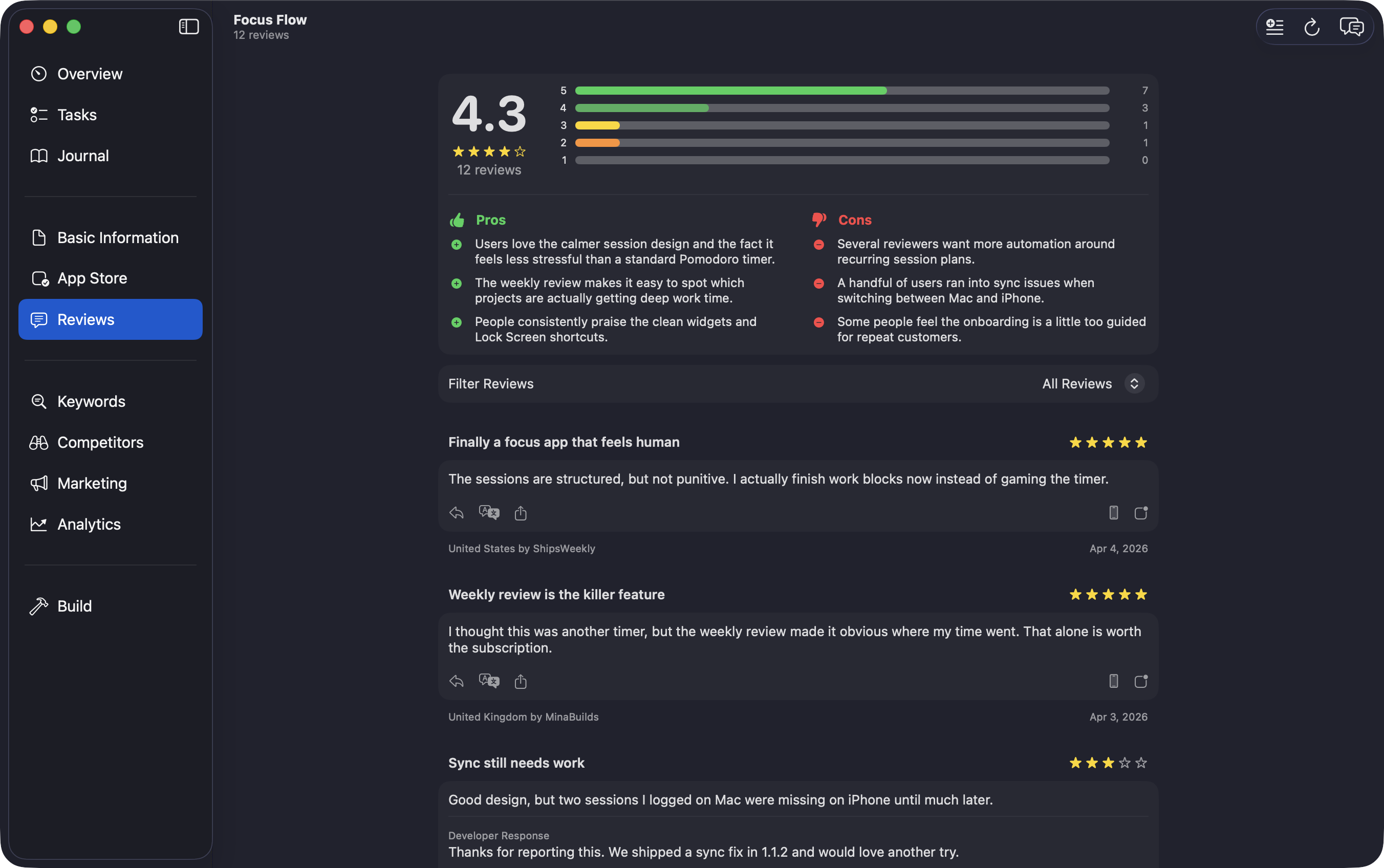
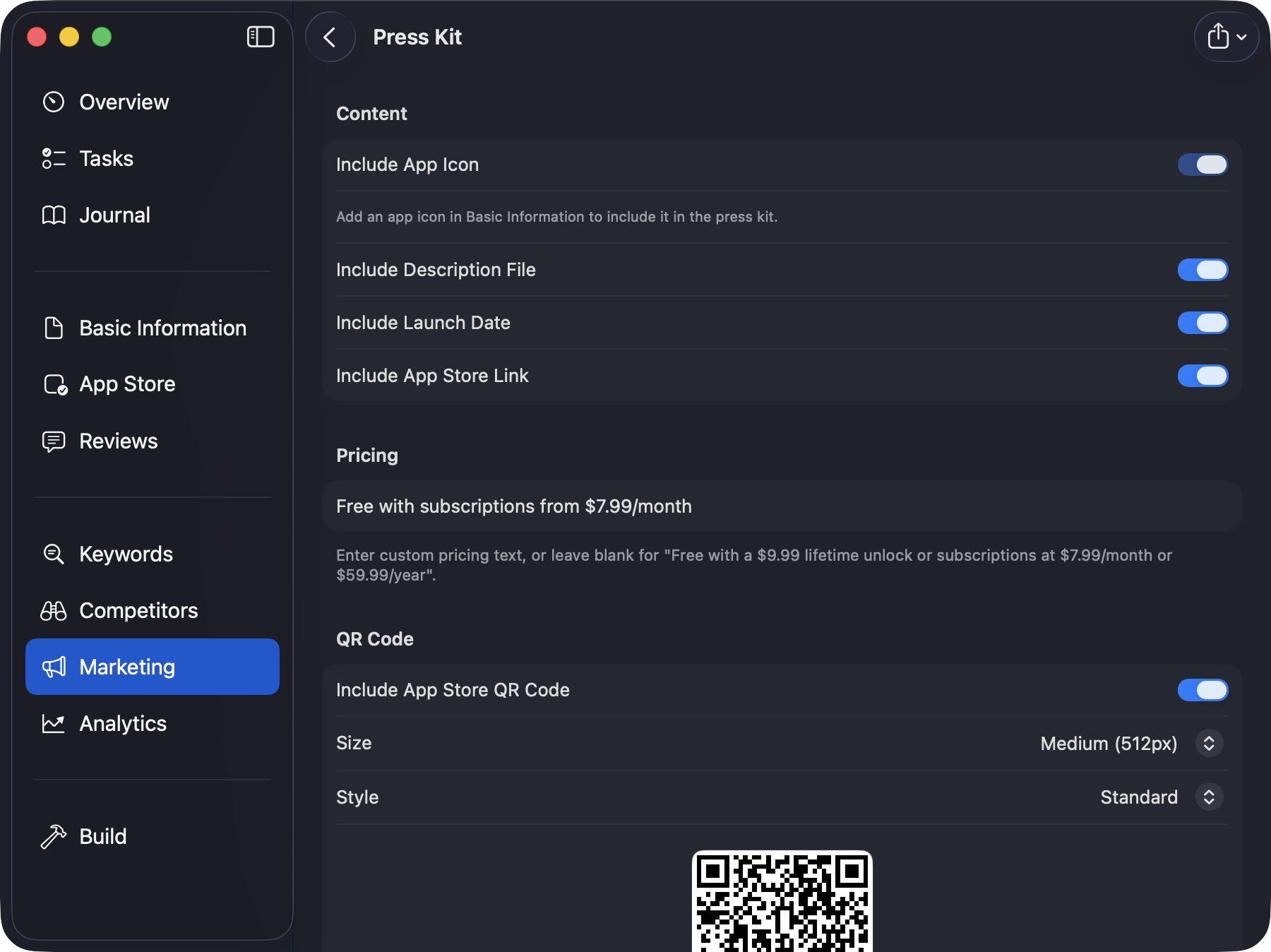
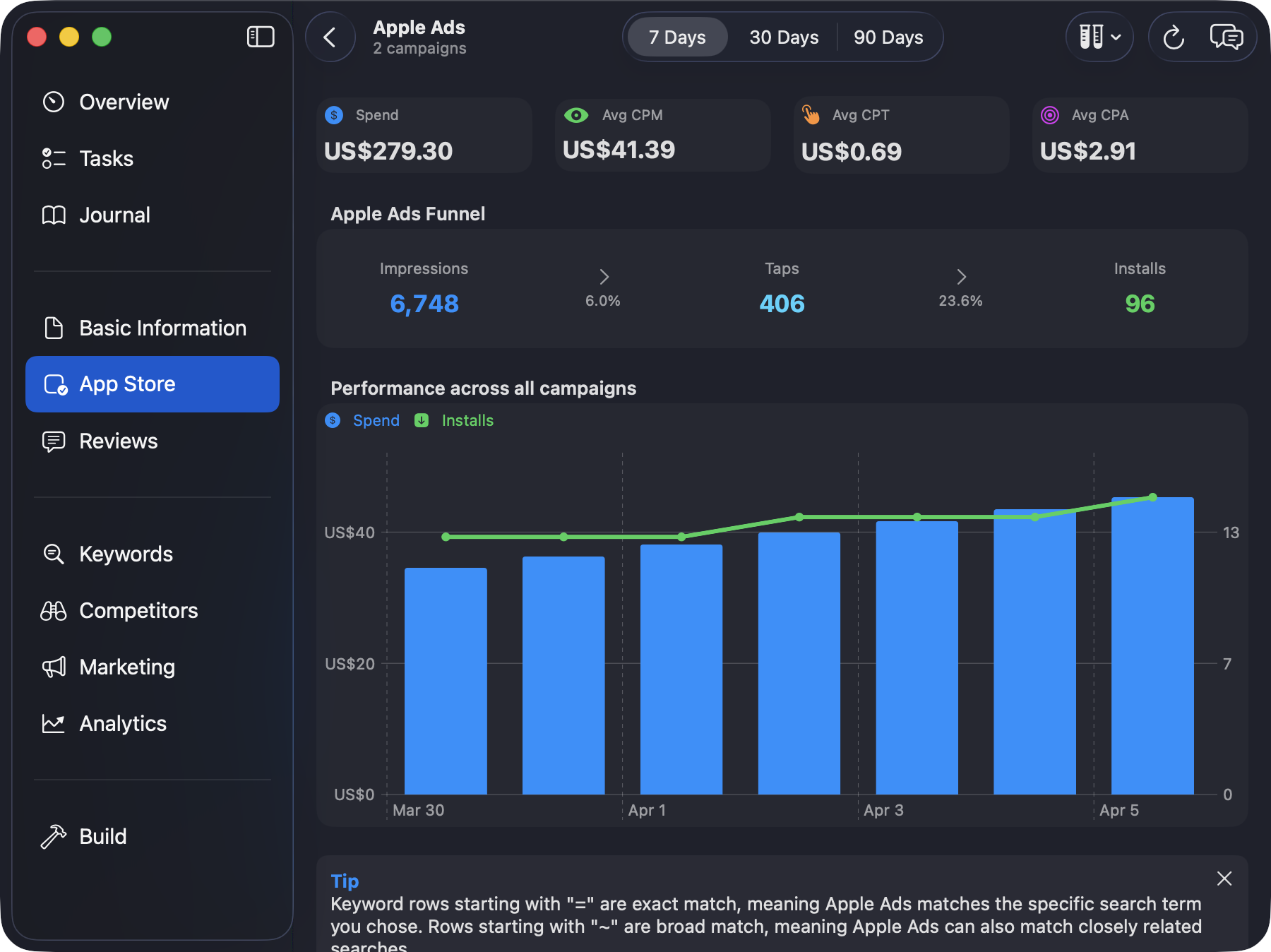
Includes six full-resolution PNG screenshots, app icons at 1024, 512, and 256 pixels, an SVG wordmark, and a plain-text fact sheet.
At a glance
Fact sheet
- App
- Kickstart - App Accelerator
- What it is
- Kickstart is the Mac app for tracking App Store keywords, optimizing Apple Ads, understanding reviews and analytics, and growing your app.
- Price
- Free to download. Kickstart Pro is $2.99/week or $69.99/year, with a seven-day free trial for eligible annual subscribers. Local App Store pricing may vary.
- Platform
- Mac with Apple M1 or later; macOS 26.4 or later.
- Public launch
- May 15th, 2026
- Developer
- Hudson Heavy Industries Ltd.
- Links
- App Store Website
Product description
About Kickstart
Kickstart is the app that helps indie developers ship – one Mac workspace for launch, growth, and everything in between.
Building the app is only half the job. The other half – launch planning, App Store optimization, pricing, reviews, analytics, and marketing – usually ends up scattered across browser tabs, spreadsheets, and half-finished launch docs.
Kickstart replaces that chaos with a clear daily workflow. It breaks shipping down into small, practical tasks, then connects them to live keyword rankings, competitor research, Apple Ads performance, App Store reviews, revenue, analytics, TestFlight feedback, and a full set of marketing tools – so developers spend less time stitching tools together and more time shipping.
It stays useful long after launch day too, tracking how the app’s store presence changes, learning from customers, preparing releases, and keeping the next most useful action visible. Project data is stored on the user’s Mac and in their personal iCloud account, and the built-in AI uses Apple’s Foundation Models. Kickstart has no advertising trackers or general app-usage analytics. Users choose whether to share keywords for analysis, as explained in the privacy policy.
Indie developers already have the skills and the ambition. Kickstart is the difference between shipping and succeeding.
Key features
What Kickstart does
Indie developers don’t need more tabs, more notes, or more half-finished launch docs – they need one place for the work around their app. Here’s what that covers.
- A daily plan, not a vague checklist. Kickstart breaks launch, marketing, and maintenance into small, practical tasks matched to the app’s current stage, so the next meaningful move is always visible.
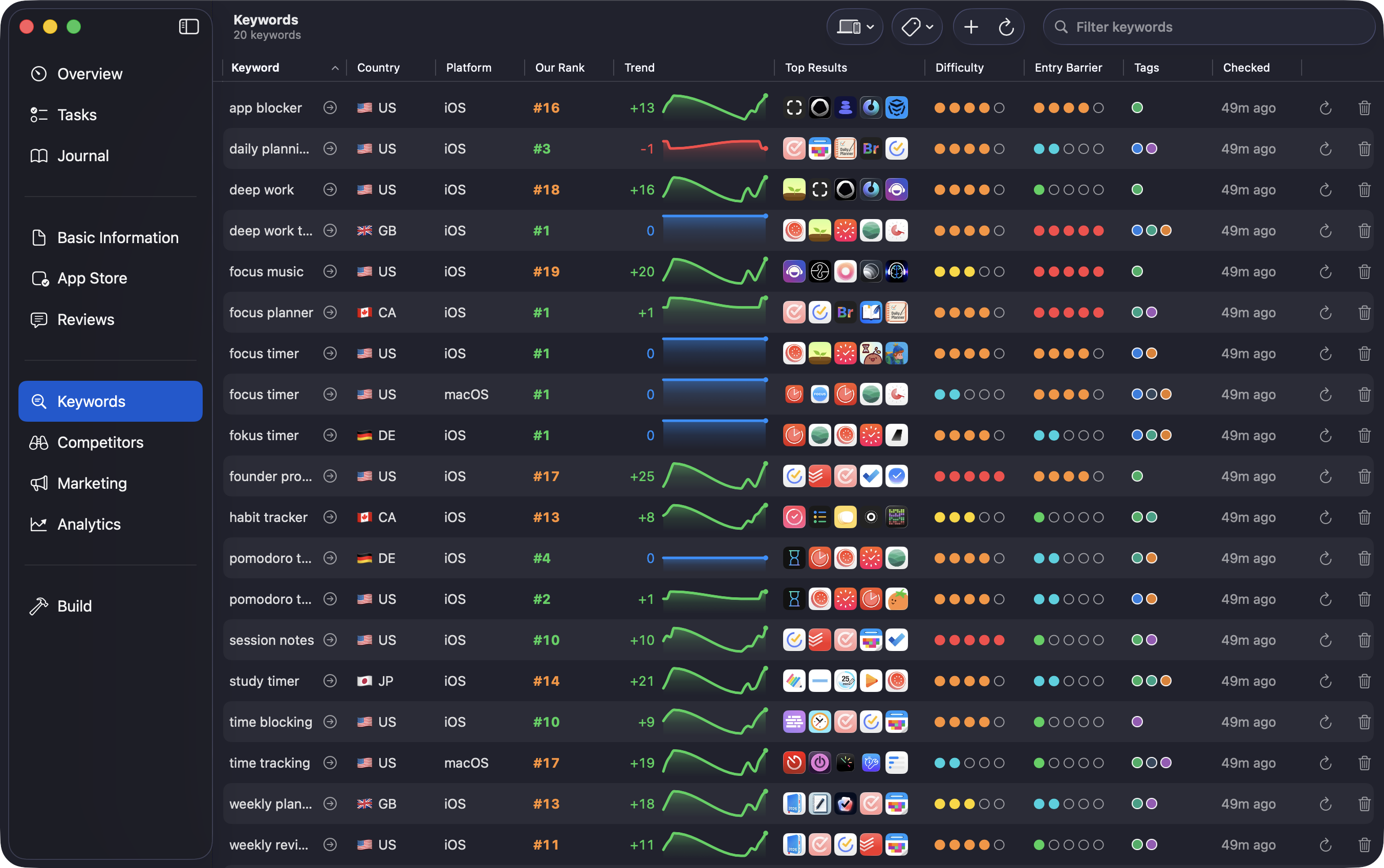
- Find keywords worth targeting. Kickstart Pro combines search popularity, difficulty scores, related keyword ideas, and the apps holding the top spots. Track rankings and 30-day trends across countries and the iPhone, iPad, and Mac App Stores.
- Full App Store control. Metadata, keywords, pricing, localizations, in-app events, and even editorial nominations are all managed from one workspace.
- Competitor intelligence. See what rival apps charge, how they rank, and what they ship, then spot the positioning and keyword gaps they leave open.
- Apple Ads without the spreadsheet. Campaigns, keywords, spend, installs, and trends sit beside the rest of the app’s data, with specific advice on which campaigns to scale and which to cut.
- Review intelligence. Kickstart summarizes, translates, and helps reply to App Store reviews while surfacing sentiment and repeated themes.
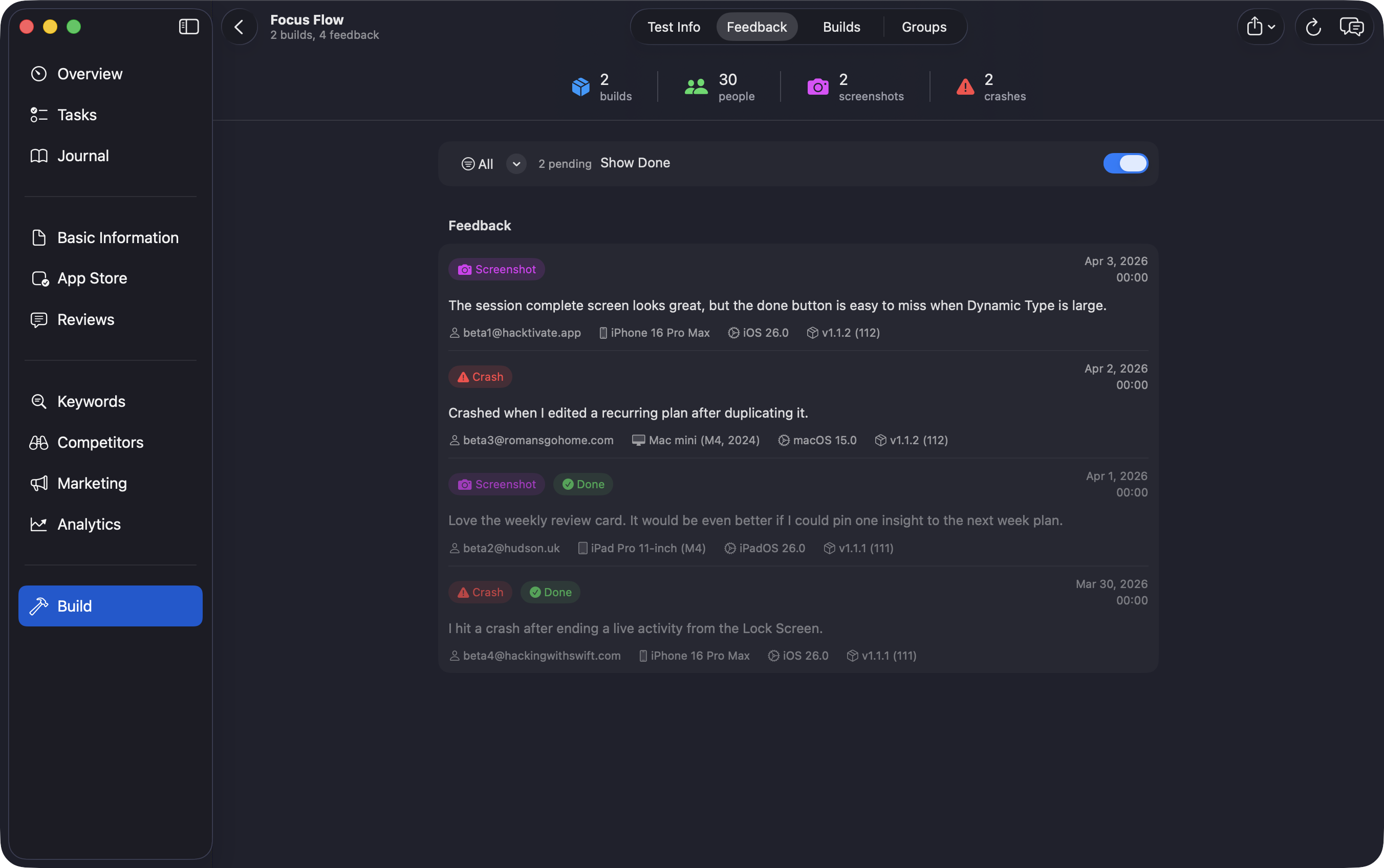
- TestFlight in one place. Builds, tester groups, feedback, screenshots, crashes, and “What to Test” notes stay together while there’s still time to act on them.
- The whole business at a glance. Revenue, subscriptions, downloads, installs, engagement, crashes, territories, sources, and devices, with automatic daily sales reporting.
- Pricing without guesswork. The Price Parity Calculator compares exchange rates and local purchasing power so global pricing is intentional in every market.
- Marketing assets on demand. Draft press pitches, Product Hunt launches, and build-in-public posts, and generate a complete press kit.
- A website in minutes. Design and publish a full marketing site for the app in a few clicks, with generated copy that draws on real customer reviews.
- Standout promo videos. A full video editor turns screen recordings, device renders, text, voiceover, and music into App Store previews and social clips, including subtitles generated from the video’s own speech.
- A simulator sidekick. Kickstart Overdrive floats beside the iOS Simulator to send push notifications and deep links, inspect network traffic and databases, tweak system conditions, and capture polished screenshots and videos.
- Built for AI workflows. A built-in MCP server connects tools like Claude to project data and video automation, and Kickstart’s own AI runs privately using Apple’s Foundation Models.
Product media
Full-resolution screenshots
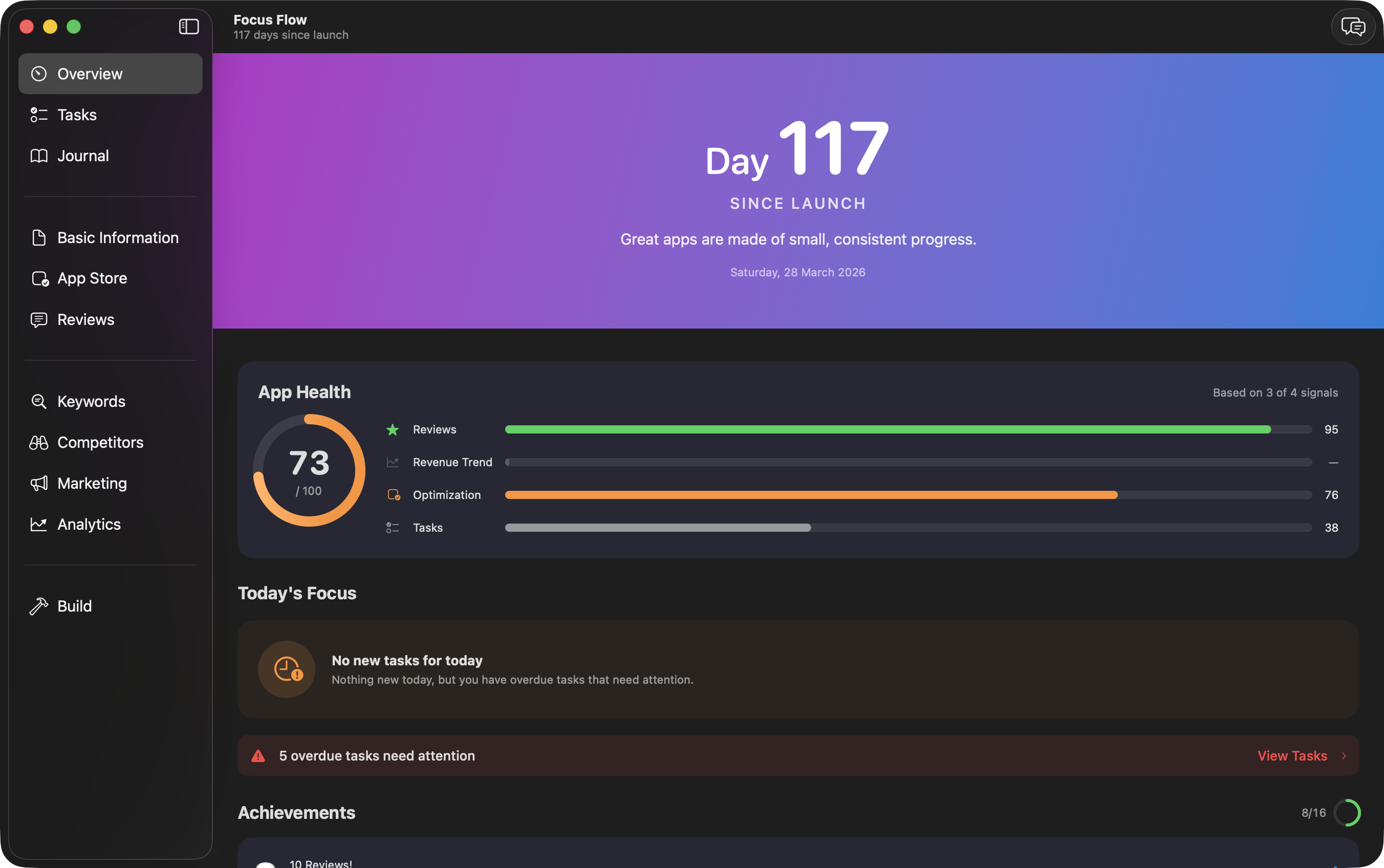
These are PNG captures with no marketing frames, captions, or watermarks, all showing a fictional “Focus Flow” project populated with realistic demo data.
Need every asset?
Download the screenshots, icon sizes, wordmark, and fact sheet in one archive.



The developer
About Paul Hudson
Paul Hudson is the developer and educator behind Hacking with Swift, which is the world's largest site dedicated to teaching app development for Apple's platforms.
Kickstart grew from the practical work around launching and maintaining independent apps: deciding what to do next, understanding App Store performance, learning from customers, and keeping launch and marketing work moving alongside development.
Selected App Store reviews
What users say
“The app is jam-packed with features and provides incredible value.”
“The AI integration is particularly impressive in how and where it’s used.”
“Completely essential for Apple app development and maintenance”
“Save yourself months of time on your next app”
“I’m in awe of the depth and breadth of tools available.”
“Powerful tool for intel on competitive analysis”
Contact
Questions?
Contact Paul directly, including your publication and deadline where possible.