
6 ways to promote your app without spending a penny
Six free ways to get your app in front of more people, and how much time each one actually takes.

You don’t need an ad budget to market your app: you submit to indie showcases, cross-promote with other developers, join the right communities, build an email list, share your progress in public, or can improve your App Store listing. Whichever one suits you, you can start promoting your app today without spending anything.
Of course, these are only really “free” in terms of their monetary cost, because you’ll need to pay with a little time instead. I’ve tried to keep the time commitment for each one as low as possible, so before you feel the urge to spin up a new side project, try giving half a day to these…
1. Directories and showcases – an hour of form-filling
Submit your app to a handful of places whose readers might genuinely care. As I’m writing this, 9to5Mac’s Indie App Spotlight is still a weekly series and publishes a submission email, while Indie App Catalog still accepts reviewed submissions for indie apps available on the US store. Apple also has its own free featuring-nomination form, although none of these is a promise of coverage.
None of these individually will transform your downloads, and no listing is guaranteed to be permanent or useful for search rankings. However, an hour of careful submissions can get you several chances to reach people who already like indie apps. Make sure you have your app’s press kit ready first – every submission goes faster when the screenshots and one-sentence pitch already exist.
2. Join Kickstart Exchange – a free ad network for indies
Recently I launched Kickstart Exchange, which is a free cross-promotion network for indie apps on Apple platforms. It’s all about barter rather than budget: your app shows ads for other indies, and in return they show adverts for your app. New accounts start with 200 points, which immediately gets you 100 free views – your app starts being promoted before you show a single ad.
Integration is done by adding a single SwiftUI view wherever it suits your layout, and you’re done. Ads use each app’s real App Store name and subtitle, your app only shows apps with the same or lower content rating, and you can exclude up to 20 words or phrases to keep competitors out. Most importantly, there’s no user or device tracking, and every app is reviewed by a human before it goes live.
The cost to you is only screen space, because you give a corner of your app to show small adverts for other apps. However, you can easily consider a “remove ads” in-app purchase alongside it, allowing users to opt out of the ads by paying. In total you should allow about an hour to sign up, verify that you own the app, and add the view to your project.

3. Communities – give first, mention second
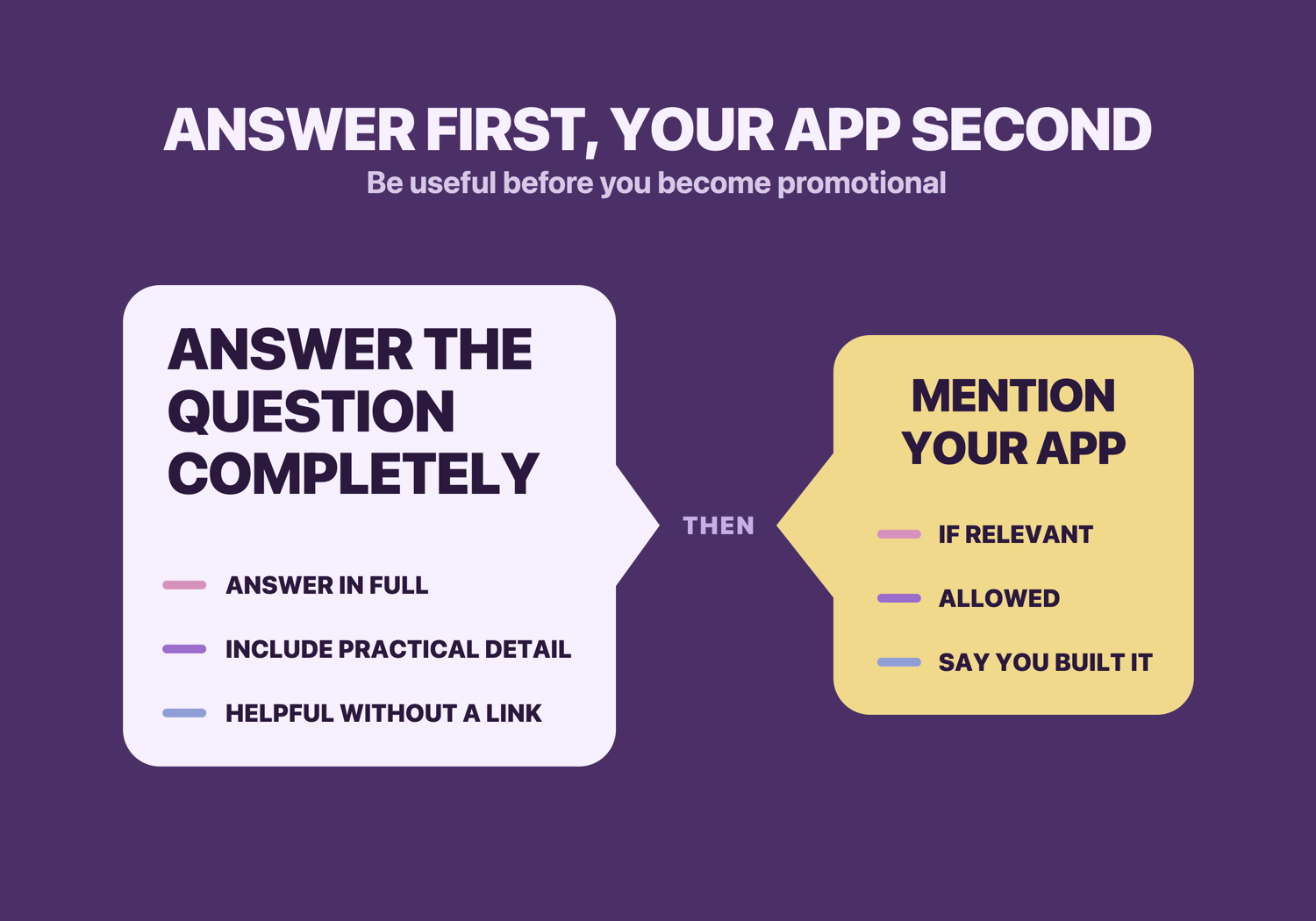
Never underestimate the simple power of showing up where your users already gather, but please try to be useful before being promotional.
If you’ve built a birdwatching app, the birdwatching subreddits, Discords, and forums are full of your target audience, but are also likely to be full of rules against drive-by self-promotion, because everyone tries it and it easily becomes tiresome for community members.
Once you’ve found places you’d like to join, the most important advice is this: just be a normal member of that community. Don’t come in shouting about what you’ve built, because it’s just going to annoy people and might even get you banned – just be interested in conversations, reply to comments, and perhaps even make original posts too.
After some time, when you’ve actually contributed some value to the community, then and only then can you actually start mentioning your app. You should always read the participation rules, asking a moderator if anything is unclear, and even now you should make sure you’re being a real community member and not just abusing the space to make a quick buck. When the app really does help, disclose that you built it: “I made an app for exactly this; here’s why it will help, and here’s the link if you want it.”
I run multiple communities myself, so please trust me when I say that moderators can smell a marketing pitch a mile away. So, start really simple: pick out any three places your users like to hang out, read each community’s rules on self-promotion, then answer one question there. When the opportunity arises for you to mention your app – assuming of course that it’s directly relevant to something and the rules permit it! – be clear that it’s yours. That means avoiding sock puppets or pretending you happened to discover your own product.
Total time: maybe 10 minutes a day of contributing somewhere.
4. An email list – the channel 100% owned by you
Start an email list when you have a useful reason for someone to join. Yes, email. Yes, it’s weirdly effective.
How do I know? Easy: when an app marketing person on my team said “we should ask users if we can email them,” I thought it was a ridiculous idea – who wants more email? Certainly not me.
But then we implemented it, and we ended up with so many signups we barely knew what to do with them. Even better, unlike any social platform there was no algorithm deciding who saw an update – they got news straight from us.
There are a whole bunch of tools with free plan out there. For example, Kit’s current free plan covers 1,000 subscribers and unlimited email broadcasts, and it takes only a few steps to get started using it:
- Put a one-line signup on your app’s website and a link in your app’s settings screen.
- Add a privacy notice.
- Collect only the data you need.
- Confirm the address when appropriate.
- Send a welcome email saying what to expect.
- Make unsubscribing and data deletion easy.
Once it’s in flight, write a short email when you have some real news to share – a launch, a major update, a sale, or similar. It takes maybe an evening to set up, plus a little work whenever you have something worth saying.
5. Building in public – the slow burn
Sharing your progress publicly can work really well, but it’s towards the end of this list for a reason: it asks for steady effort and the payoff is uncertain. A useful screenshot, milestone, mistake, or small lesson gives people a reason to follow the work, but posting is not a requirement and an audience won’t automatically become customers.
The best place to start is small. Start with one useful update a week for eight weeks, record the relevant conversations and site visits it produces, then decide whether to continue.
My rule here is simple: build in public only if you enjoy it – even if it never brought a single extra download. If that sounds draining, skip it entirely and put the time into other items here.
If you do choose to post publicly, keep it tight – maybe 20 minutes a week maximum.
6. App Store optimization – the afternoon that keeps paying off
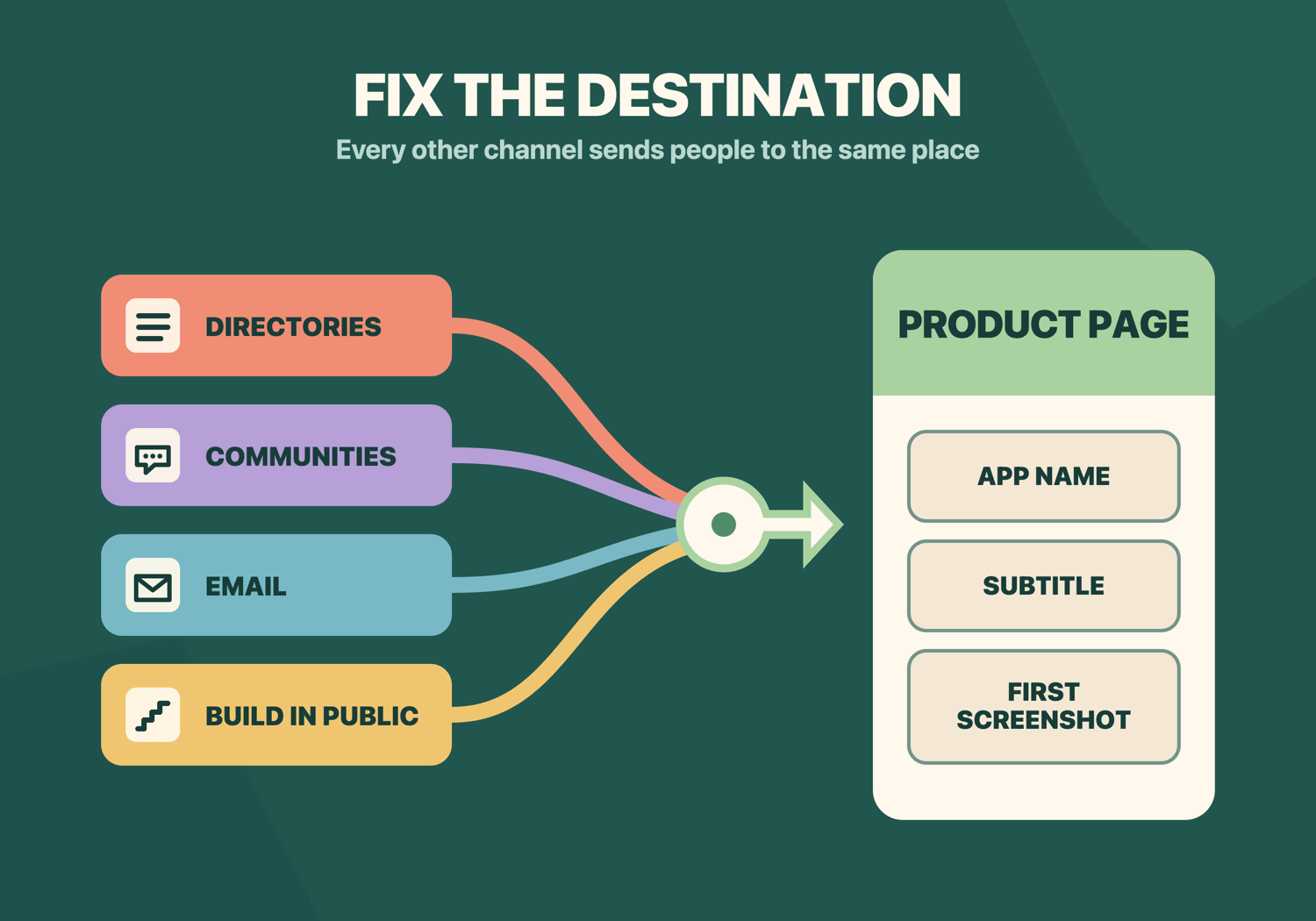
Last but not least is one of the most obvious no-media-spend wins of all: fixing the store listing you already have. Every other channel on this list has to send people somewhere, and where they land is your product page.
So, spend an extra afternoon on ASO:
- Use a natural, memorable app name
- Let the subtitle explain the job in plain language
- Use the 100-character keyword field for accurate terms you can’t fit naturally elsewhere
- Make sure your first screenshot states a benefit rather than merely showing your UI.
That’s a few hours of work that improves every download you’ll ever get from search.
I’ve written a working 7-step guide to choosing App Store keywords. For the keyword research part you can use Appfigures, Astro, or my own Kickstart – all will help you research what’s out there and make a more effective choice.
This is the biggest time sink of everything on this list, and no matter how much time you spend you’ll always be wondering what more you could tweak. So, set a time box for yourself, and remember that it’s just one weapon in your arsenal.
Stop reading, start doing
- Pick one channel from the table and write down its first action, measure, and stop rule.
- Give it a real but bounded test – an afternoon for ASO or submissions, eight weekly attempts for a community or public habit.
- Record what happened, then continue, change direction, or stop without guilt.